If I had to cut this guide down to one point, it’s this: the best DJ pool is the one that matches your genre, gives you usable feedback, and fits your release schedule.
I’d look at four things first: DJ audience, artist/label access, file support, and reporting. That’s the fastest way to sort these seven options without getting lost in feature lists. Prices for entry plans usually sit around $10 to $25 per month, and the right choice depends less on pool size and more on who actually hears your track.
Here’s the short version:
- Promoly: best for direct promo, tracked opens/plays/downloads, and required ratings/comments
- ZipDJ: best for genre-based DJ targeting
- DJcity: best for planned campaigns with early submission
- BPM Supreme: best if you want a club/radio DJ base, though info here is limited
- Digital DJ Pool: best for simple pre-release uploads
- Heavy Hits: best for early genre-matched feedback
- Crate Connect: best for DJ-ready files, metadata, and clean delivery
You should also send the right assets:
- WAV and/or high-quality MP3
- Clean, explicit, and extended versions
- Artwork, BPM, key, genre, and UPC
- A short promo note with release context
And timing matters. I’d submit a few weeks before release day, not during release week. That gives DJs time to listen, test the track, and respond.
Your Guide to the Top DJ Record Pools of 2025
sbb-itb-888513b
Quick Comparison
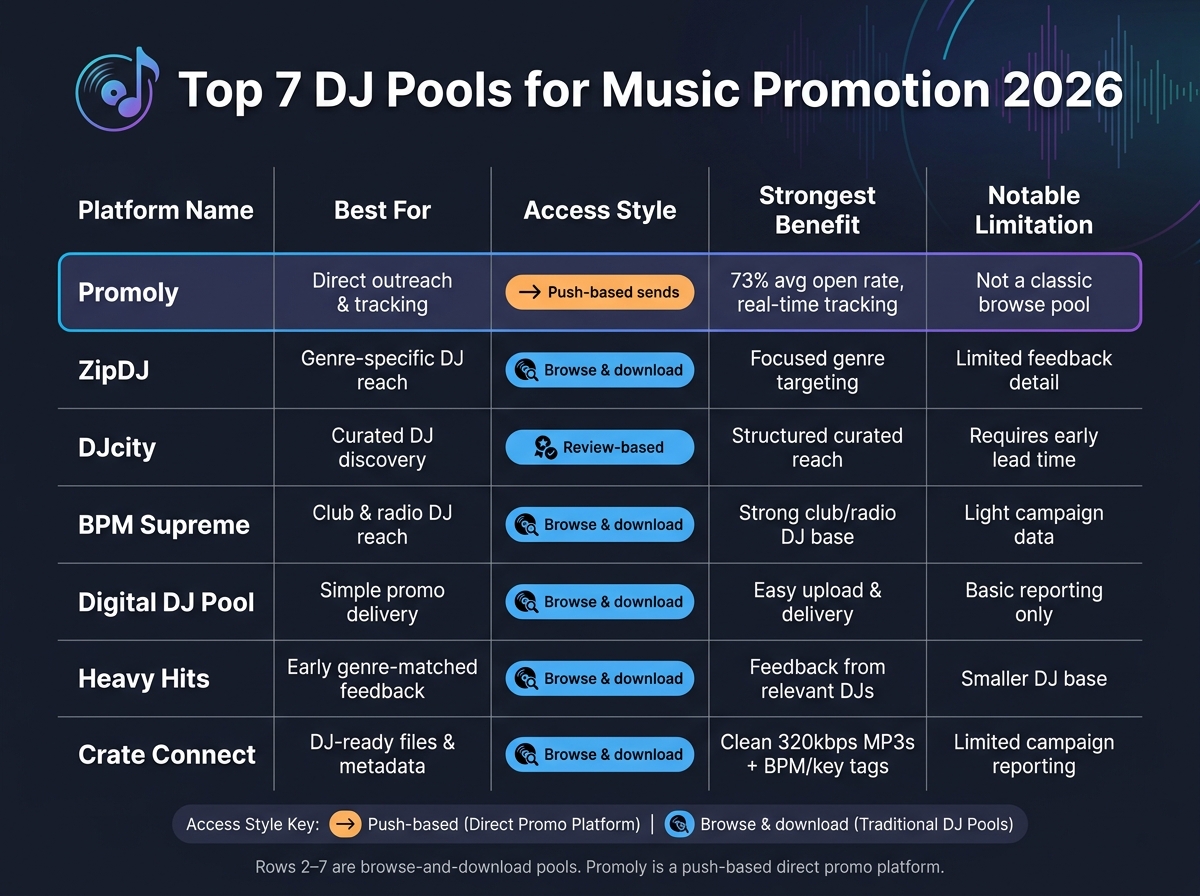
Top 7 DJ Pools Compared: Features, Access & Best Use Cases (2026)
| Platform | Best For | Access Style | Main Tradeoff |
|---|---|---|---|
| Promoly | Direct outreach and tracking | Push-based sends | Less like a classic browse pool |
| ZipDJ | Genre-specific DJ reach | Browse-and-download | Less direct feedback detail |
| DJcity | Curated DJ discovery | Review-based | Needs more lead time |
| BPM Supreme | Club and radio DJ reach | Browse-and-download | Light campaign data |
| Digital DJ Pool | Simple promo delivery | Browse-and-download | Basic reporting |
| Heavy Hits | Early feedback in a clear genre lane | Browse-and-download | Smaller DJ base |
| Crate Connect | DJ-ready files and metadata | Browse-and-download | Limited reporting |
My takeaway: use a DJ pool for reach, then pair it with direct outreach if you want cleaner data and follow-up. That gives you both discovery and measurable response from the same release.
What Labels and Artists Should Look for in a DJ Pool
When you compare DJ pools, keep it simple: look at audience fit, promo access, file support, and reporting. Those four filters will help you judge the seven pools below without getting distracted by flashy feature lists.
DJ Audience and Genre Coverage
DJ pools usually serve specific lanes: club DJs, radio DJs, open-format/mobile DJs, and tastemakers. That matters a lot.
A huge pool might sound good on paper. But if the DJs inside it don’t play your kind of music, size doesn’t mean much. Genre fit matters more than pool size because DJs respond to tracks that match what they already play. That’s why audience segmentation helps keep promos relevant.
Start here when comparing the seven pools below.
Think about where your release belongs. Electronic and club-focused tracks tend to do better in pools with strong ties to club-chart-focused promotion and club bookings. Pop or hip-hop releases may work better with radio reach and open-format DJs.
Promo Access for Labels and Independent Artists
Not every pool works the same way. Some are self-serve and open to independent artists. Others lean more toward labels and use a manual approval process.
If you’re an indie artist or a small label, you probably don’t want extra friction just to launch a campaign. A good setup lets you move fast and stay in control.
Look for things like:
- Self-serve submission
- Multi-profile management
- Gated download access that requires a rating or comment
That last point can make a big difference. If DJs need to leave a rating or comment before they download, you get more than file delivery – you get a read on how the release is landing.
File Types and DJ-Ready Versions
High-quality audio is the starting point. WAV and high-quality MP3 files are the standard expectation.
But format alone isn’t enough. The versions you upload matter just as much. DJs often need different edits depending on where they’re playing, so giving them options makes your release easier to use.
Useful versions often include:
- Clean edits
- Explicit versions
- Extended mixes
Pools that support multiple file versions per release tend to be more helpful for labels, since they let you package one track for more than one use case.
Reporting, Charts, and Feedback
Data is what turns a promo campaign into something you can learn from. Without it, you’re mostly guessing.
Look for reporting on opens, plays, downloads, ratings, and feedback comments. Each metric tells you something different. Opens show interest. Downloads show intent.
That kind of data helps you make smarter calls on the next release – who to target, which pool to use again, and where the traction is coming from. The best pools make all of those metrics easy to track in one place.
1. Promoly
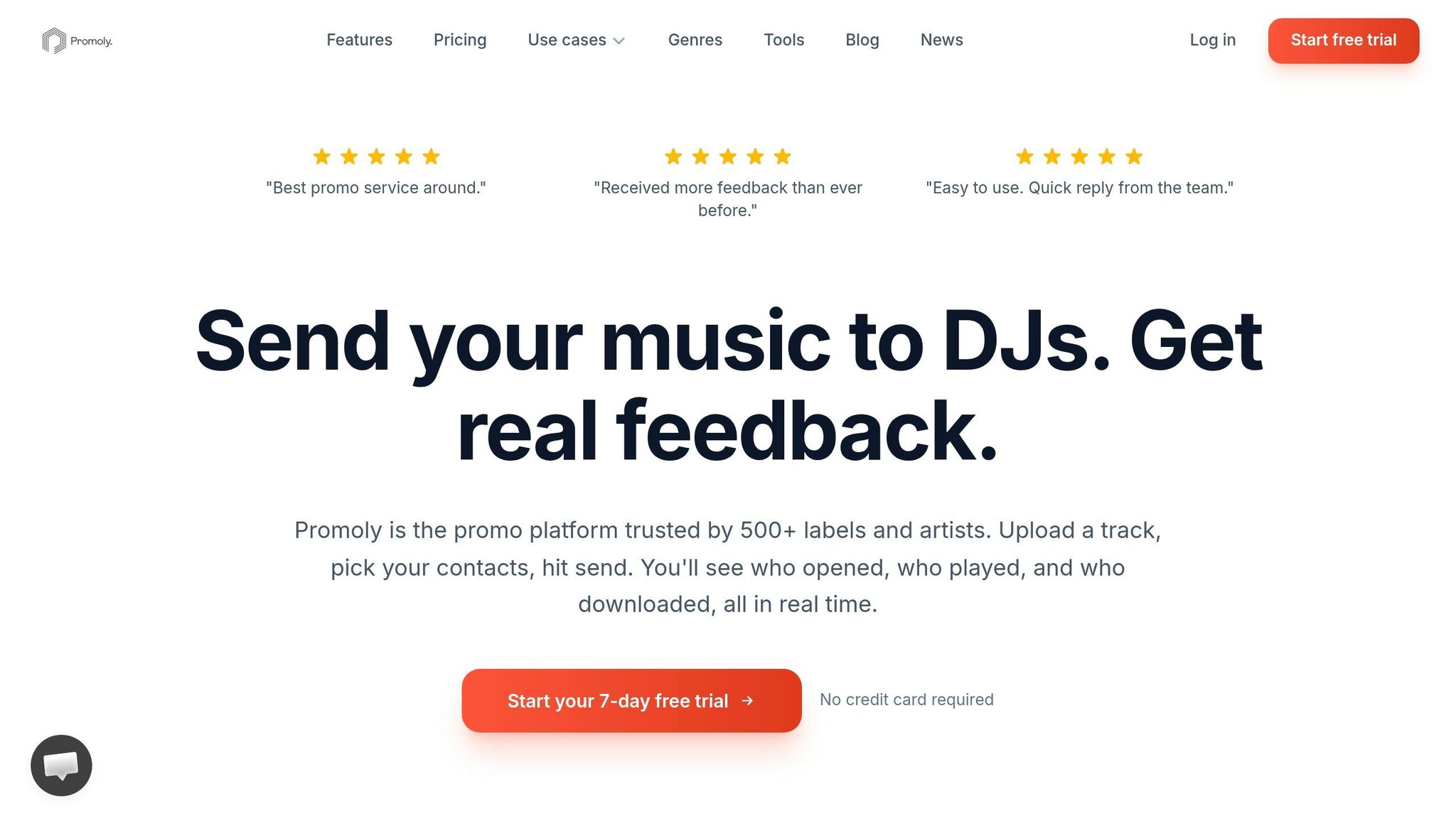
Promoly is built for sending DJ promos, gathering feedback, and tracking engagement in real time. It’s used by 500+ labels worldwide and reports an average open rate of 73% across campaigns.
Genre Fit and DJ Audience
Promoly’s opt-in DJ and tastemaker network includes 1,300+ DJs and industry pros across 20+ genres. The contact base is updated on a regular basis so lists stay active and relevant.
Label or Artist Promo Access
This platform works for solo artists, indie labels, publicists, and larger label teams. Plans scale from single-user access to enterprise teams, and every plan comes with a 7-day free trial and 150 sends.
A nice touch: campaign profiles let publicists and label groups manage multiple brands or clients from one dashboard. Promoly AI can help write promo copy, find fitting contacts, and automate follow-ups.
File Quality and Edit Types
After you’ve picked your audience, format matters. Promoly supports WAV and MP3 uploads, along with artwork and press release attachments.
Feedback, Charts, or Campaign Data
The big draw here isn’t just sending promos. It’s seeing what happens after the send. Recipients have to rate and comment before they can download, which gives labels and artists a cleaner feedback loop. On top of that, real-time tracking shows opens, plays, and downloads.
If you need deeper reporting, the Pro and Premium plans include advanced analytics.
For labels that want similar outreach with a different audience mix, the next pools lean into other DJ-focused options.
2. ZipDJ
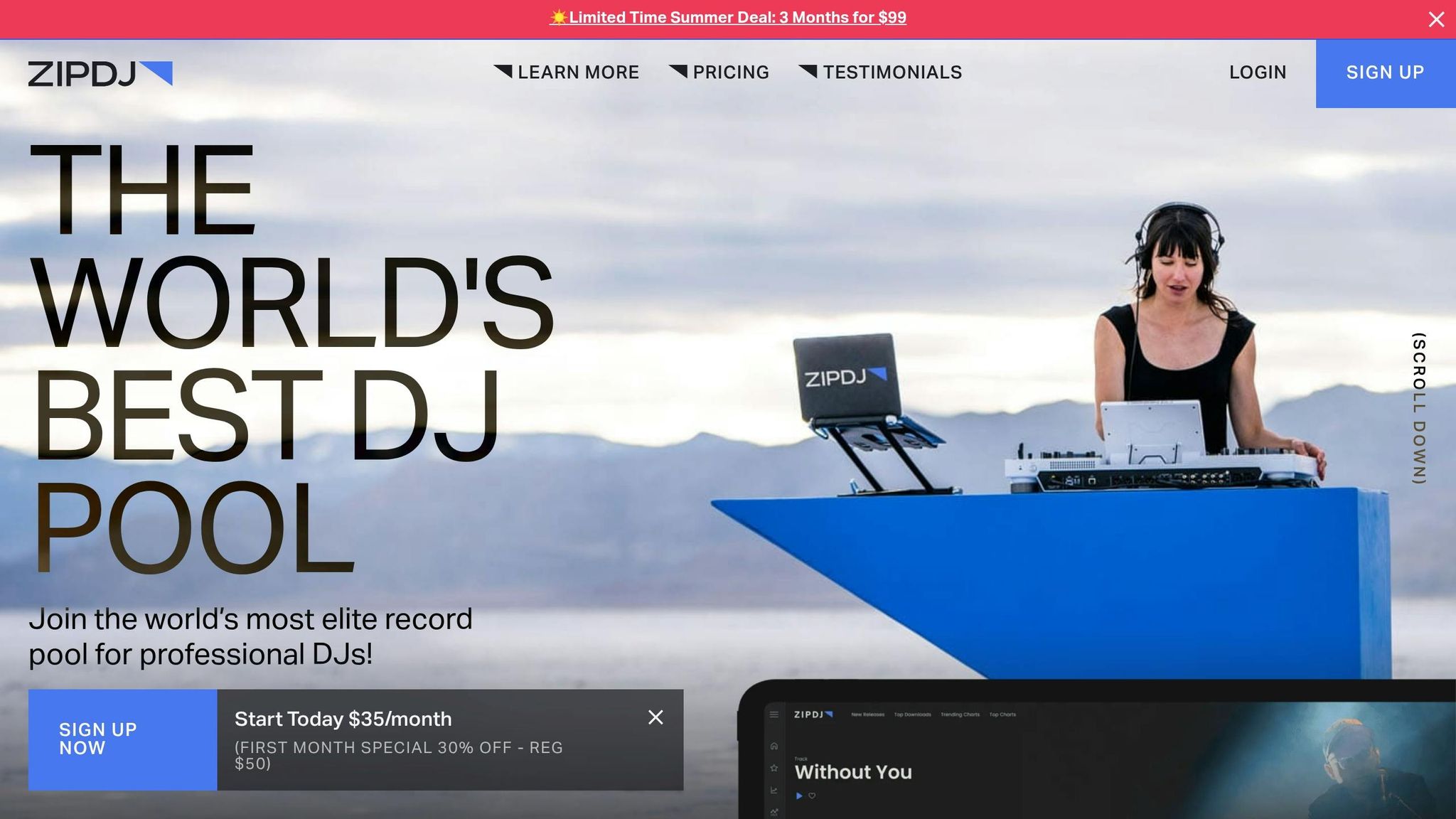
ZipDJ works well for releases that need targeted access to vetted DJs in a specific genre. If your track sits in a clear lane and you want to get it in front of DJs who already play that style, ZipDJ is a smart pick. If you’re after a more commercial mix of DJs, the next option is DJcity.
Genre Fit and DJ Audience
ZipDJ sorts its network by genre, which makes it a good match for releases with a defined sound. That setup helps you reach DJs who are already active in that space instead of throwing your release into a broad pool.
Because DJs on the platform are vetted, the audience stays more relevant and focused.
Label or Artist Promo Access
ZipDJ gives both labels and independent artists direct access to its DJ network. You don’t need a major-label tie-in to run a campaign, which makes it easier for indie teams to get started.
File Quality and Edit Types
ZipDJ supports multi-format downloads. That gives DJs room to grab the version that works best for their setup, whether they need one format for club play and another for their library.
Feedback, Charts, or Campaign Data
Before you submit, check which engagement metrics ZipDJ makes available. That way, you’ll know what signals to watch and whether the campaign is helping move the release forward.
3. DJcity
DJcity is a better fit for teams that like to plan ahead. It uses a curated review process, so labels and artists should send music several weeks before release with a promo note and clear genre tags. Because of that, it works better for structured promo campaigns than last-minute uploads.
Genre Fit and DJ Audience
Clear genre tags make a big difference here. They help DJs sort through releases fast and find the tracks that match their sets.
Label or Artist Promo Access
The main thing with DJcity is timing. Submit early, because DJcity reviews releases before they reach DJs.
File Quality and Edit Types
DJcity supports downloads in multiple formats, which gives DJs the version that fits their setup.
Feedback, Charts, or Campaign Data
After delivery, check what play data DJcity shows. That gives you a better read on whether the release is getting traction.
For labels that want a broader DJ base without a formal review gate, the next pool uses a different setup.
4. BPM Supreme
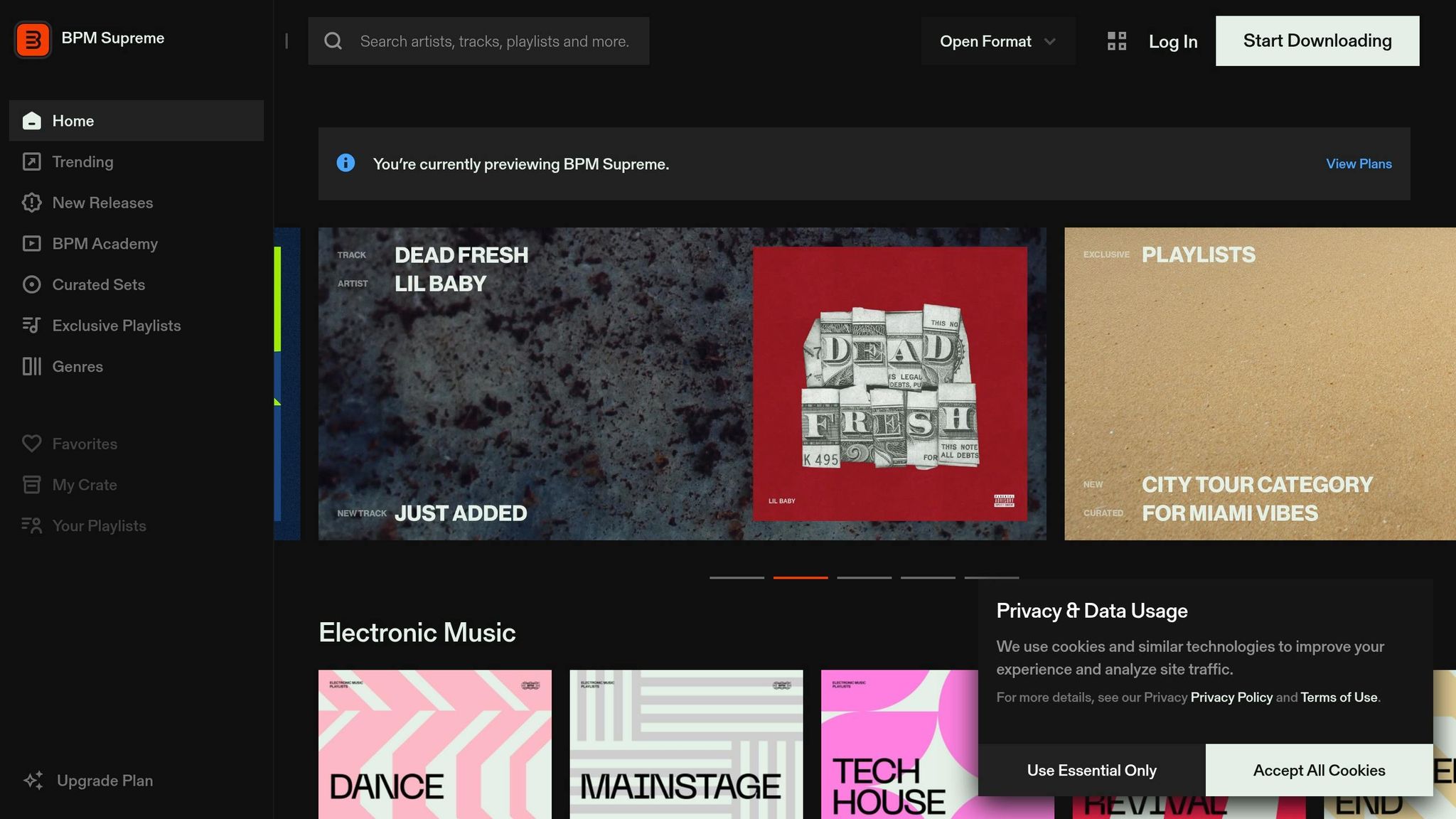
BPM Supreme is a vetted DJ pool that follows much the same model as DJcity.
That said, the source material available here doesn’t give us enough to go much deeper on features without guessing. So instead of stretching thin info, it makes more sense to stop there.
For a closer look at audience reach and how submission access works, the next section breaks down Digital DJ Pool and shows how its setup differs from the pools listed above.
5. Digital DJ Pool
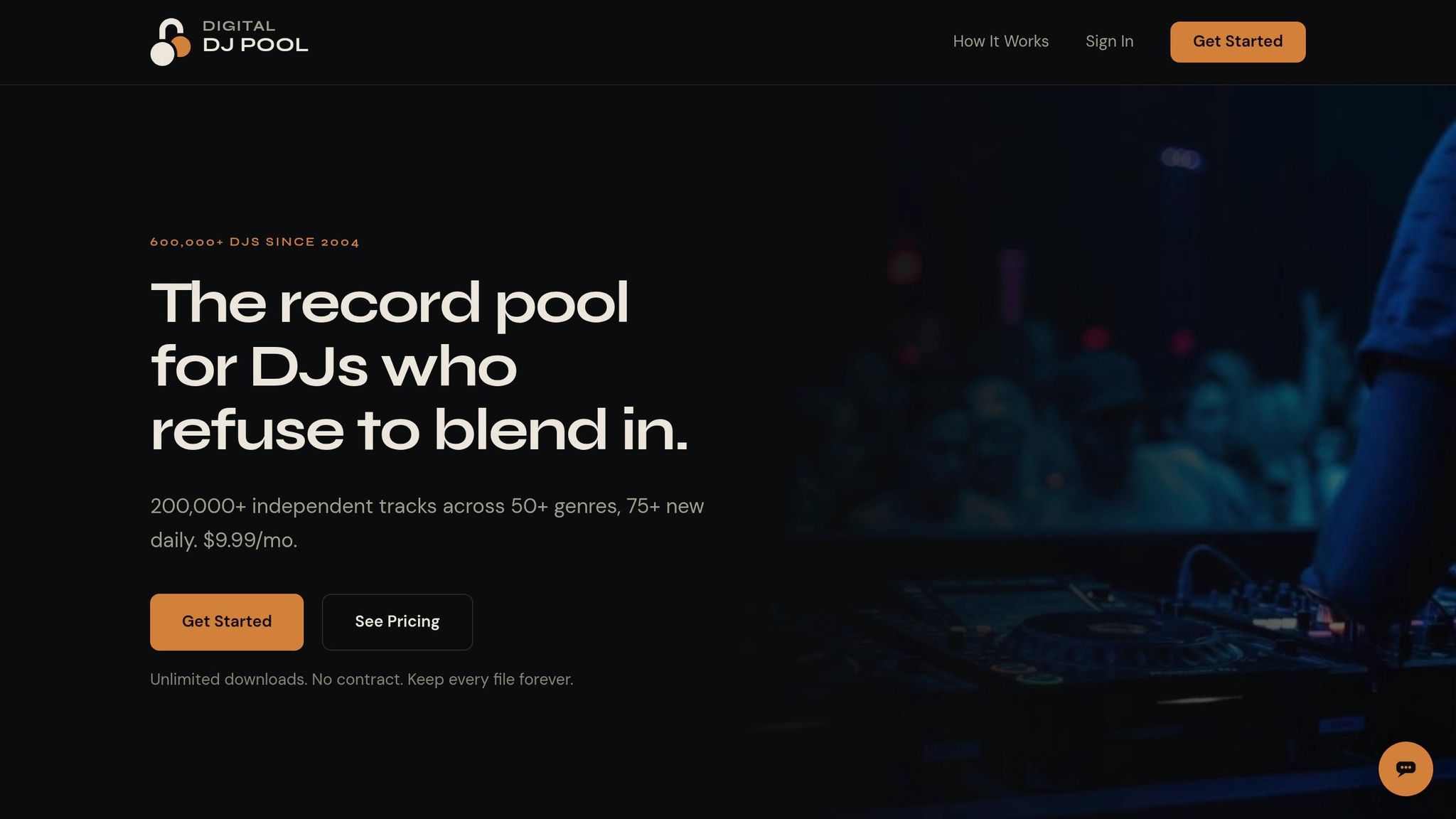
Digital DJ Pool works well for labels that want a simple way to put unreleased music in front of DJs. The main goal is clear: build DJ support before the release goes live. What matters most here is the submission process, how files get delivered, and how well the platform tracks feedback.
Label or Artist Promo Access
Labels can upload unreleased tracks a few weeks ahead of release. Along with the audio file, they add a promo note and genre tags. DJs need to sign up before they can access the promo.
Feedback, Charts, or Campaign Data
Good pools gather star ratings and written comments. That kind of feedback can give you a better sense of how a track may land in clubs.
6. Heavy Hits
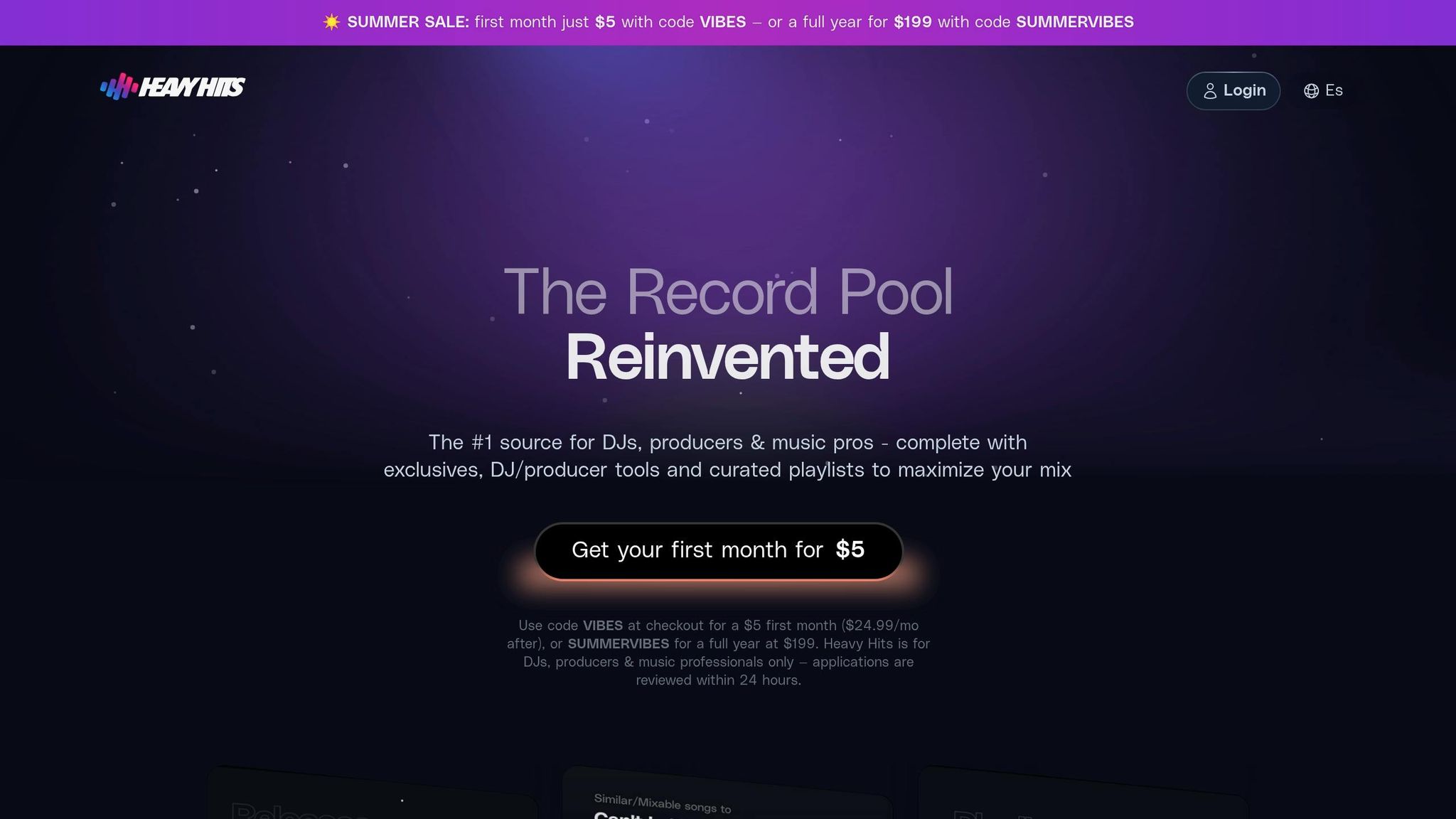
Heavy Hits sends unreleased tracks to a vetted, genre-specific DJ list before release. That makes it a better fit for campaigns that need early feedback from the right DJs, not just a big blast.
Genre Fit and DJ Audience
Heavy Hits focuses on DJs who already play the same genre as the release. That helps early promo reach people who are more likely to play it, react to it, and give useful input.
Label or Artist Promo Access
Labels and artists can upload unreleased WAV or MP3 files with a promo note, then send them to Heavy Hits’ vetted DJ list. After upload, Heavy Hits sends the release to its vetted DJ list.
Feedback and Campaign Data
Heavy Hits collects DJ feedback and tracks engagement, so labels can check early response before the release goes live.
If you need a broader commercial DJ mix, the next pool takes a wider approach.
7. Crate Connect
Crate Connect is built around DJ-ready audio and clean metadata for unreleased tracks. That makes it a strong fit for labels that care most about clean delivery and files DJs can use right away. If your team needs fast promo distribution without extra friction, this platform makes a lot of sense.
With Crate Connect, labels send unreleased tracks to vetted DJs before the official release date. Those DJs can stream the music, download it, and leave feedback. On the label side, the upload process is pretty straightforward: add the tracks, include a promo note, choose the genre classification, and attach supporting credits.
One of the main selling points is the file setup. Crate Connect provides 320kbps MP3s tagged with BPM, key, artist, and title, which is exactly the kind of detail DJs look for when they’re sorting tracks for a set. It also includes intro and outro versions, which gives DJs files that are ready to play, not files they need to fix first.
Crate Connect makes the most sense for labels that want clean, playable assets more than deep campaign reporting. For a side-by-side look at access, file support, and reporting, see the comparison table below.
Quick Comparison Table
The table below boils the four filters down into one fast view: audience, access, file support, and reporting. Use it to line up each pool with the release plan that fits best.
| Platform | Genre Focus | DJ Audience | Access Model | Strongest Benefit | Notable Limitation |
|---|---|---|---|---|---|
| Promoly | 20+ genres | 1,300+ opt-in DJs and tastemakers | Direct promo delivery, smartlinks, downloads | Targeted outreach, feedback collection, real-time tracking | No dedicated mobile DJ app or built-in audio watermarking |
| ZipDJ | Genre-specific lanes | Vetted DJs sorted by genre | Browse-and-download | Focused genre targeting | Limited direct outreach and feedback tools |
| DJcity | Broad, curated | Vetted DJs via review process | Browse-and-download | Curated reach with structured submission | Requires early lead time; no direct outreach |
| BPM Supreme | Club, hip-hop, open-format | Vetted club and radio DJs | Browse-and-download | Strong club and radio DJ base | Limited campaign tracking and feedback collection |
| Digital DJ Pool | Open-format, varied | Vetted DJs across formats | Browse-and-download | Simple upload and delivery process | Basic reporting; no direct outreach |
| Heavy Hits | Genre-specific | Vetted genre-matched DJs | Browse-and-download | Early feedback from relevant DJs | Smaller pool size than broader platforms |
| Crate Connect | Varied | Vetted DJs seeking DJ-ready files | Browse-and-download | Clean metadata and DJ-ready file delivery | Limited campaign reporting |
Rows 2–7 are pull-based DJ pools built for browse-and-download discovery. Promoly is a push-based platform built for direct outreach, feedback loops, and tracking – a different workflow that complements pool distribution.
Now that the differences are easier to spot, the next move is picking the right pool at the right moment. From there, narrow the choice by submission timing, prep the right assets, and match each track to the pool that gives it the best shot.
How to Use DJ Pools Effectively for a Release
Once you pick a pool, execution is what decides whether your release gets played. Choosing the pool is only step one. After that, you need to send the right package at the right time.
Prepare DJ-Ready Promo Assets
Send clean, explicit, and radio versions, plus an extended mix when it makes sense. Add pro artwork and complete metadata: BPM, key, genre, and UPC. Include a UPC since some platforms can auto-pull metadata from it.
Before you upload, check the file specs. Look at bitrate, sample rate, and LUFS so the track lands the way you want. Then add a short promo note with key supporters and a bit of release context.
Time Pool Submissions Around the Release Date
Timing can make or break the pitch. If you send promos during release week, you’re often already late. A better move is to submit a few weeks ahead of the release so DJs have time to hear the track, test it, and send early feedback.
Match Each Track to the Right Pool
Not every pool fits every record. Match each release to the pool’s genre and audience lane. Check which DJs are active in the pool, then line up the release with the right use case. If the DJs already play that style, your odds go up.
That keeps the promo tight and aimed at the people most likely to use the record.
Combine Pool Coverage with Direct Outreach
DJ pools can put your music in front of more people, but they don’t show opens, plays, or feedback. Promoly adds tracked sends, feedback, and automated reminders, which takes care of follow-up on its own. When you pair pool submissions with a targeted Promoly campaign, labels get broad discovery and a measurable feedback loop on the same release.
That lead-in sets up the direct-promo tradeoff below.
DJ Pools vs. Direct Promo Campaigns
If you want both reach and measurement, it helps to put pool distribution next to direct promo. They do different jobs: reach vs. precision. One gets your release in front of more DJs. The other shows you who opened, played, and downloaded it.
What DJ Pools Do Well
DJ pools are built for scale. They put a release in front of a large vetted DJ base that’s already looking for genre-matched promos.
That makes them a strong pick when the goal is discovery. If you want more DJs to hear the track and give it a shot, pools can help get that ball rolling.
What Direct Promo Campaigns Do Better
Direct promo is better when you want clean tracking and tighter follow-up. You can see opens, plays, downloads, and keep a record of who engaged from one release to the next.
Promoly reports an average open rate of 73% for its promo mailouts, and automated reminders take care of follow-up across multiple releases. That means less manual chasing and a clearer picture of who’s paying attention.
Over time, each campaign adds to your support history. So instead of sending every new release to the same broad list, you can send it to a sharper group based on past engagement.
When to Use Both Together
Use both when the release has enough lead time to support two lanes of outreach.
Let the pool do the wide push. Then use direct promo to follow up with DJs who’ve already shown support. It’s a simple split, but it works well when you want discovery and trackable engagement.
Pros and Cons Table
This split comes down to reach, targeting, and follow-up.
| Feature | DJ Pools | Direct Promo Campaigns |
|---|---|---|
| Reach | High – access to a large network of vetted DJs | Narrow – your own curated list |
| Targeting | Genre-based segments | Individual-level, based on engagement history |
| Feedback | General ratings and comments per release | Detailed, tracked response across releases |
| Analytics | Single-release stats | Long-term engagement data that builds over time |
| Follow-Up Control | Manual per-release setup | Automated reminders and follow-ups |
| Best Fit | Seeding a release to new audiences | Securing support from proven tastemakers |
Conclusion
After looking at the pools above, the choice comes down to fit, timing, and reporting. There isn’t one DJ pool that’s right for every release.
Pick based on the genre, the DJs you want to reach, and whether your main goal is broad reach or tighter tracking.
DJ pools work well for discovery. After that, direct outreach helps move things forward. When you track opens, plays, and downloads, you can see which pools are driving actual support over time.
Choose the pool that fits the release, then watch what gets played and shared.
FAQs
How do I choose the right DJ pool for my genre?
Start with your goals and your scale. If you’re an indie label or a solo artist, a platform like Promoly can make life a lot easier because it puts promo campaigns, smartlinks, pre-save campaigns, and feedback collection in one place.
Focus on four things: genre fit, features, data ownership, and pricing. In plain English, that means checking whether the platform reaches DJs in your genre and region, gives you the tools you’ll use, lets you track support over time, and has clear pricing that lines up with how often you release music.
When should I submit my track before release day?
Send your unreleased track to DJs a few weeks before the planned release date. That gives them enough time to listen, send feedback, and back the release with chart support or club and radio plays.
With Promoly, you can upload your track, add a promo note, and track opens, plays, downloads, and feedback before launch.
What files and metadata should I send to DJs?
Send your audio file with key release details, a strong description, and high-quality artwork. If you have a UPC, the platform may auto-fill some of that info for you.
You can also add promo video links, press releases, and tech details like BPM and key. A polished promo package gives DJs the context they need to review, stream, and download your music.
Leave a Reply